Managing Your Login Method (Google or Email & Password)
How Users Can Change Login Method
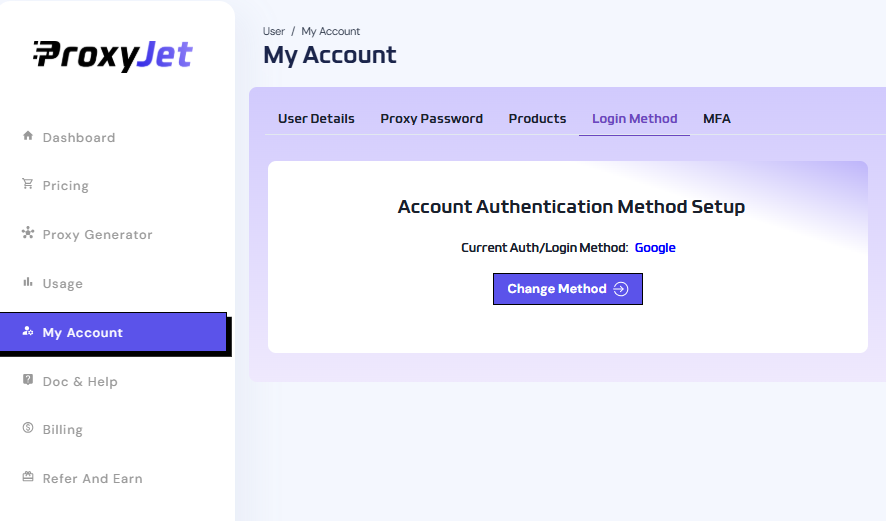
(Side menu => My Account => Login Method => [] )
1. If the current login method is Google:
(Side menu => My Account => Login Method => [] )
1. If the current login method is Google:
- Click the "Change Method" button.
- A popup will appear asking to set a new password.
- If the user has never used password login before, they simply enter a new password and confirm it.
- Click the button to create a password login, and the method will switch from Google to Email & Password.
- From now on, the user can log in using their email and the new password.
2. If the current login method is Email & Password:
- Click the "Change Method" button.
- Click on “Sign in with Google”.
- A Google Auth window will open. The user must select the same Google account that matches their current email.
- Once authenticated, the login method is switched to Google.
- From then on, only Google login will be allowed, and Email/Password login will be disabled.